
Build customer trust and loyalty with an About Us page.
Putting some time and thought into your informational pages starting with your About Us page is a great way to welcome new shoppers. Giving your store a unique personality and approachable feel can help you stand out from the crowd and earn a loyal following of repeat customers.
Editing Your About Us PageYour About Us page is often linked from your template header or footer and is the perfect place to introduce yourself, your store and your products. Follow these steps to start customizing:
-
Go to Design > Site Content in your Admin Area.
-
On the Site Content: Articles page, scroll to the Company Information section.
-
Click ID # 1, labeled AboutUs.asp.
-
Add content to the Article Body.
-
Click Save.
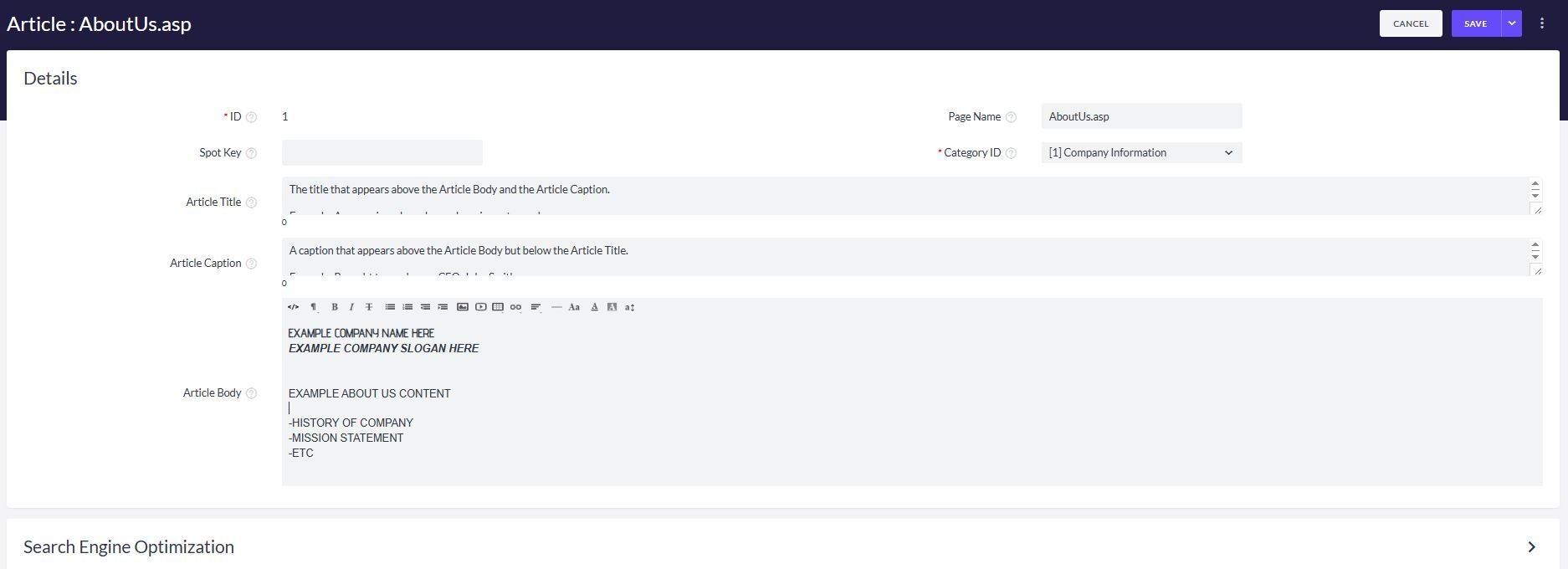
Now, when you visit http://www.yourvolusionstore.com/aboutus.asp, you will see your customized About Us page.
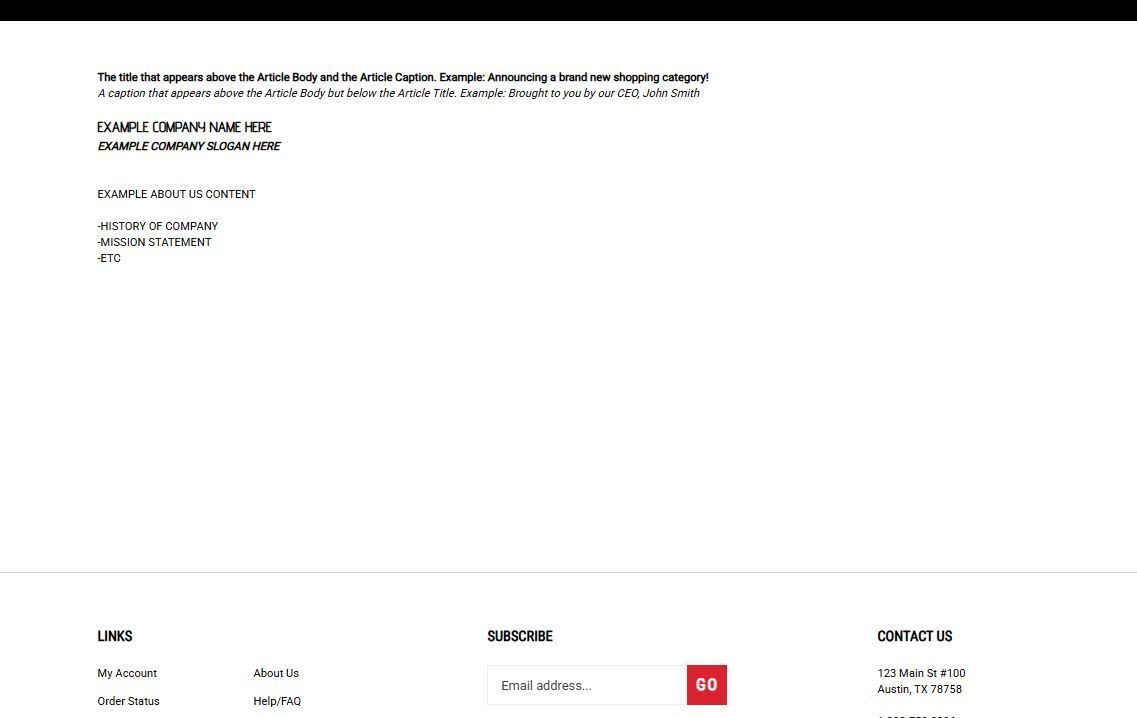
There are a few ways to make your content fancier. If you're in the Admin Area, you can use the built-in Easy Editor tools that appear next to the article body. These tools let you add text formatting, images, links, videos, and more. You can also click View Live to see the page the way a customer would, then use the storefront content builder to edit content right on the page.
Linking to Your About Us PageMost themes include an "About Us" link in the footer area by default. If your theme doesn't have one, you can use HTML to add a new footer link. Want it to appear in your store's navigation menu instead? No problem! You can link to an article from a category, too.