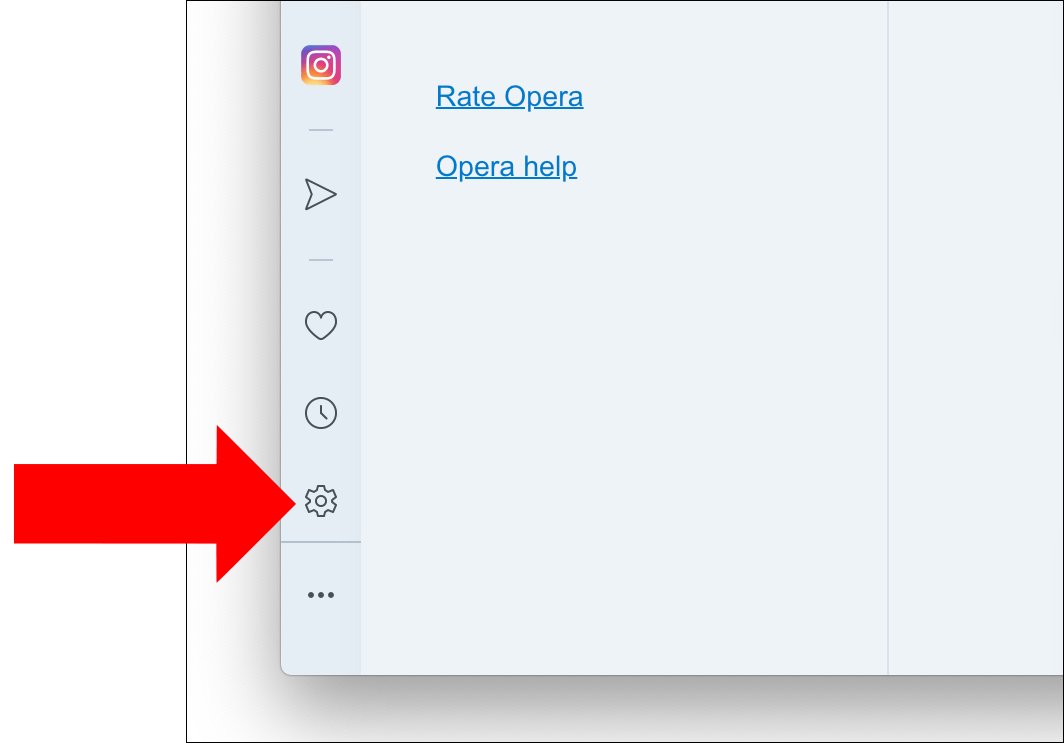
Launch Opera, and select the Settings option from the sidebar on the lower left.
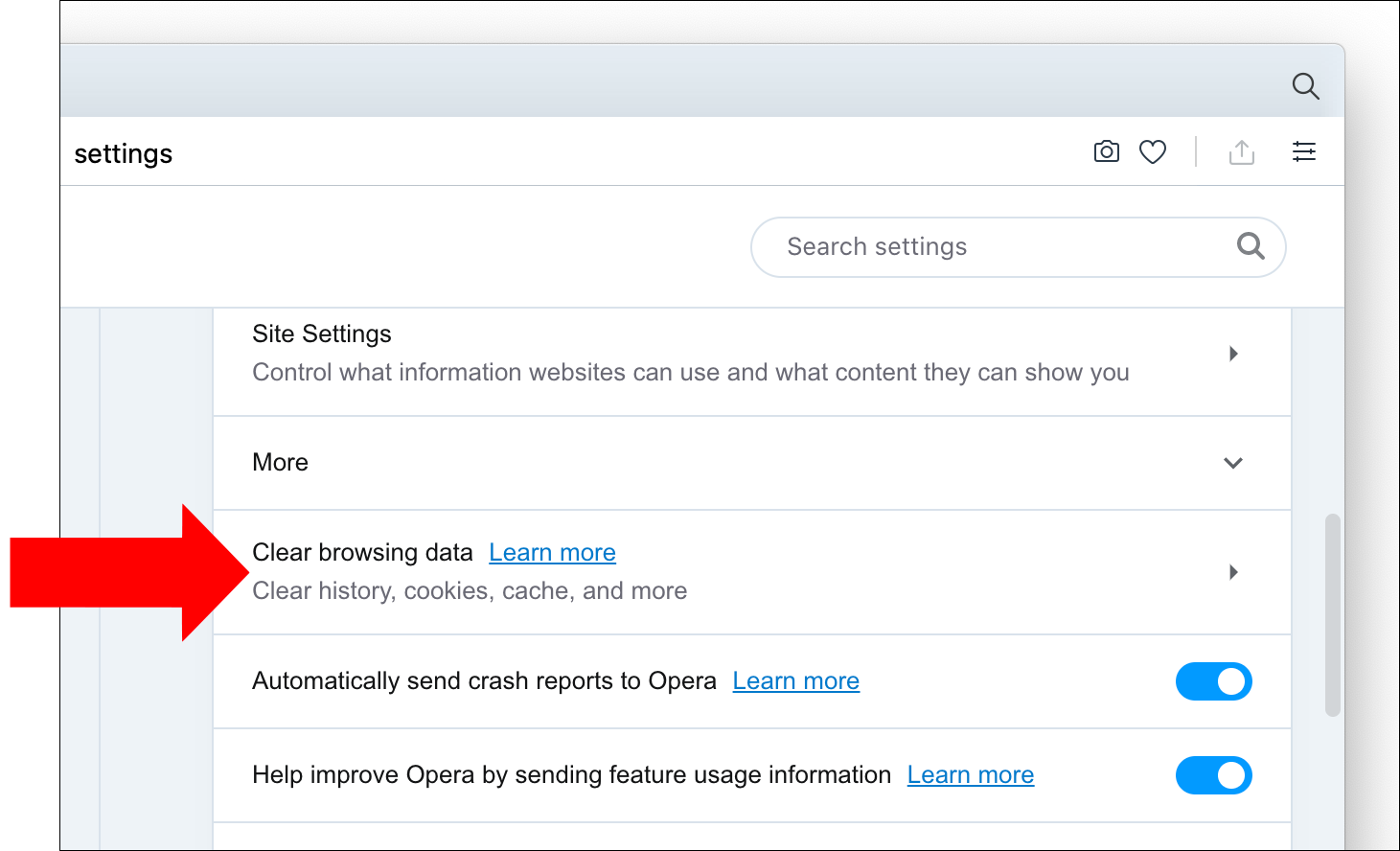
Scroll down to the Privacy & security panel and click Clear browsing data.
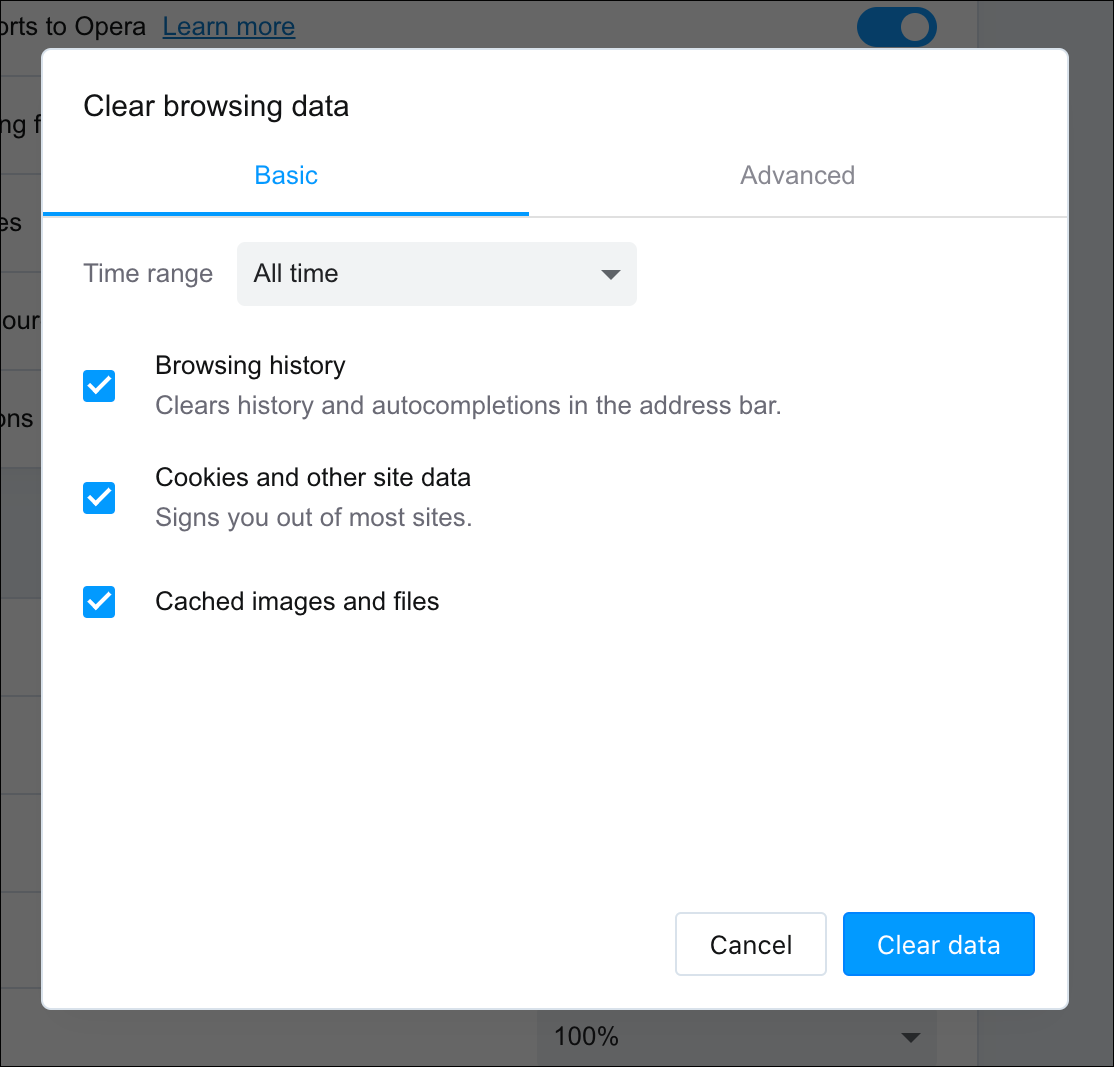
Ensure the box labeled Cached images and files is checked. Select the time frame you want to erase to completely clear the cache, select All time from the Time range drop-down menu. Click the blue Clear data button in the bottom-right corner to clear your browser cache.